Everything you need to take part. From capture recommendations to image upload, this page gathers the information needed to bring surveys into Clementina.
Isle of Birds · PN Islote Lobos, Río Negro · Nov 8 2025
You don’t need previous experience or specialized equipment. If you already have images stored on a disk, you can also bring them into the platform.
Check the suggested parameters to get comparable, reusable surveys.
You can run new surveys or use previous campaigns that meet the basic requirements.
Create an account and upload the original images along with basic flight information.
The team will review the submitted information before starting processing and publication.
A common protocol simplifies processing and lets you compare surveys done at different times and places.
| Parameter | Recommendation |
|---|---|
| Flight altitude | 50 m |
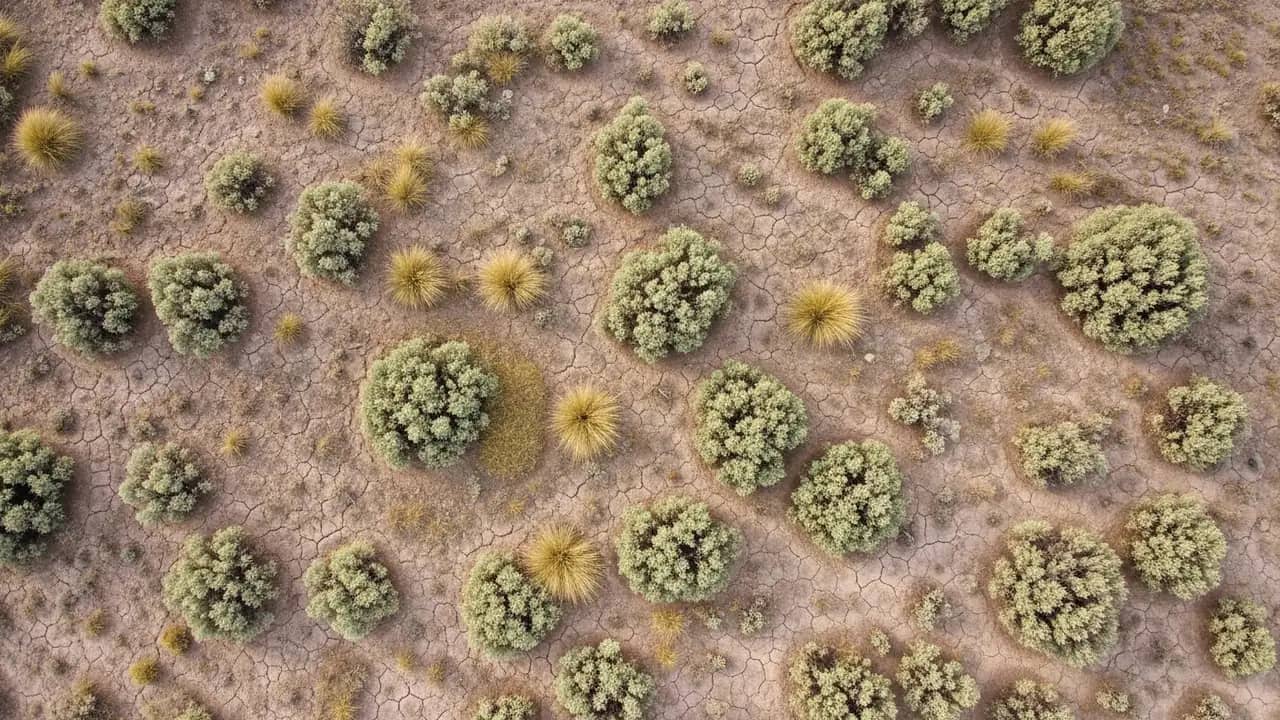
| Camera | 90° straight down |
| Front overlap | 70% |
| Side overlap | 70% |
| Speed | 5–7 m/s |
| Photo interval | 3 seconds |
| Image format | JPG |
Most commercial drones with camera and GPS are compatible with these recommendations.
The most common questions from those considering contributing a survey to Clementina.
Any drone that records GPS per photo and supports grid planning works. These are the most common lines across the network.
You do not need specialized equipment to begin. Any drone with a downward-facing camera and standard GPS will do for your first campaign.